
Music visualizer: Turn your track into a YouTube visualizer, a Spotify Canvas and Reels.
It hears the drums, the bass and the vocals apart, so each one moves its own part of the picture and the chorus changes the scene. Drop in your song and it starts playing in seconds.
Free preview · Full quality · No card · No credits
Each instrument moves its own part.
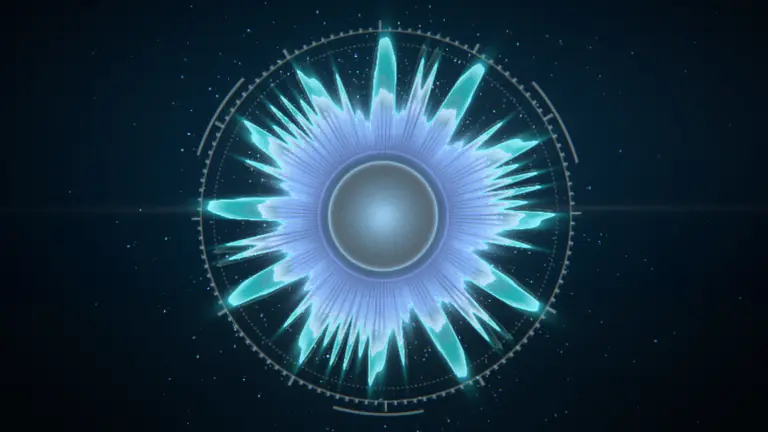
Most visualizers react to the whole mix, so the kick and the bass hit the same thing. Loopwalk splits your song into drums, bass, vocals and the rest first. In this Halo the kick punches the centre and the bass sets the ring on fire. Mute one and watch its part stop.

Mute one
Everything on: the kick punches the centre and flashes the backdrop, the bass burns in the ring, and at the chorus the ring opens up.
Three real renders of one song: Halo with Extra moves from the studio's Music tab. Muted means that instrument's strength is at 0. The piano roll is what the analysis found in these six bars.
What it heard · 0:07–0:19
YouTube, Spotify and Reels, from one upload.
The whole song in 16:9 for YouTube. A loop of up to 8 seconds that plays behind your song on Spotify. A 30-second vertical clip for Reels, Shorts and TikTok. Each template lays itself out again for 9:16, so nothing gets cropped.

YouTube
16:9 · the whole song · your title card
Up to 4K · Unlimited
Spotify Canvas
9:16 · ≤ 8 s loop
No watermark · Unlimited
Reels · Shorts · TikTok
9:16 · 30 s
With UnlimitedNot a screen recording. Every frame is rendered in order and joined to the audio, so the picture never drifts from the beat.
Pick a look that fits the song.
Cover art, lyrics, 3D worlds, lines, particles and abstract light. Every template comes with its own styles, takes its colours from your cover, and works in 16:9 and 9:16.
- 18 templates
- ·200 styles
- ·8 palettes + your cover
- ·32 screen effects

NewLyric Video · 12 styles
Your lyrics become the picture.
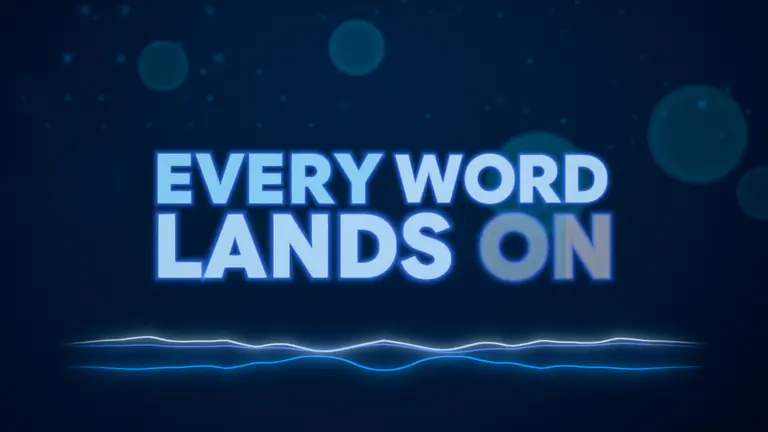
Paste the words and time them to the vocals in the studio. Each word lands when it is sung, the kick punches it, and the chorus goes bigger. The same lyrics can sit over any other template, too.
Try Lyric Video on my track →- HaloKaleido Star · 12 stylesYour cover in a ring of spectrum.Kick punches the cover · bass swells the ring · vocals light the flareTry Halo on my track →
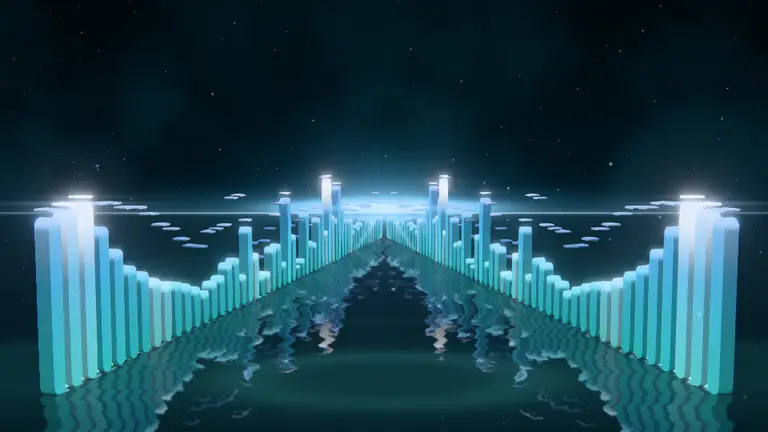
- Bars13 stylesSpectrum bars with your cover tile, on water or glass.Kicks roll a wave through the bars · bass lights the raysTry Bars on my track →
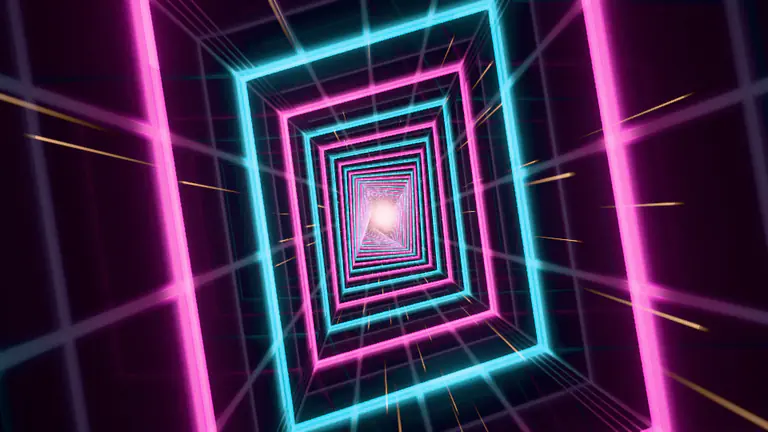
- TunnelSynth Diamond · 12 stylesA neon fly-through.Kicks push you forward · bass banks and twists it · vocals light the wallsTry Tunnel on my track →
- HelixFour Winds · 11 stylesA turning double helix of thin plates.Kicks pulse along it · bass swells the strandsTry Helix on my track →

- Lyric VideoAfterglow · 12 stylesYour lyrics as 3D type, each word landing on its sung time: glowing, street posters, hand-drawn, on fire or on tape.Kicks punch the word being sung · the voice lights it · the chorus goes biggerTry Lyric Video on my track →
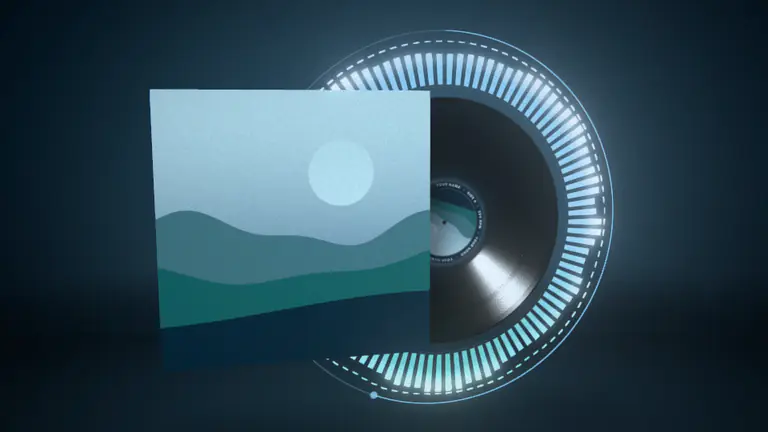
- Vinyl11 stylesA turning record with your cover as its label.Kicks thump the platter · bass lights the grooves · the voice lights the labelTry Vinyl on my track →
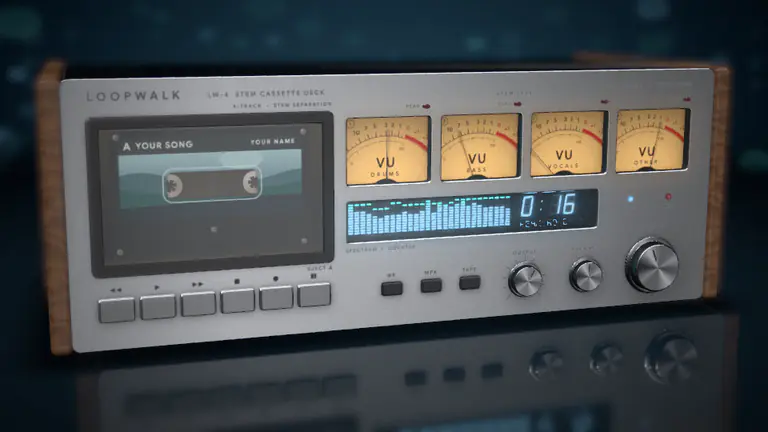
- NewHi-Fi Deck10 stylesA lit hi-fi whose four VU needles are your song's stems.Each stem swings its own needle · kicks thump the cabinet · the drop pins the peak lampsTry Hi-Fi Deck on my track →
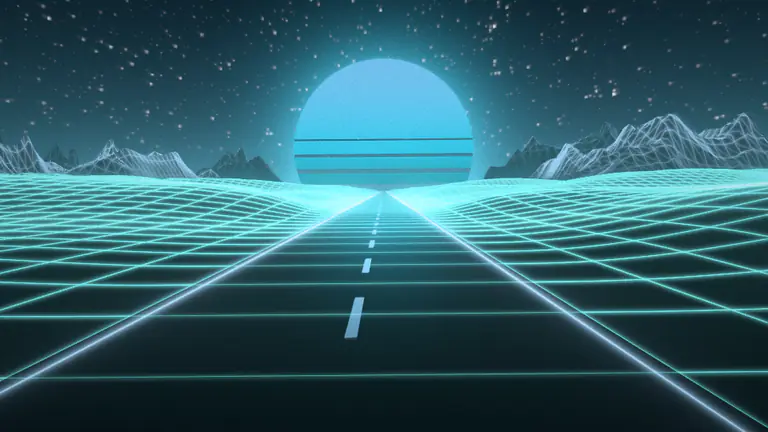
- Synthwave13 stylesA neon grid road running to a banded sun.Kicks flash the grid and push the camera · bass lifts the ground into wavesTry Synthwave on my track →
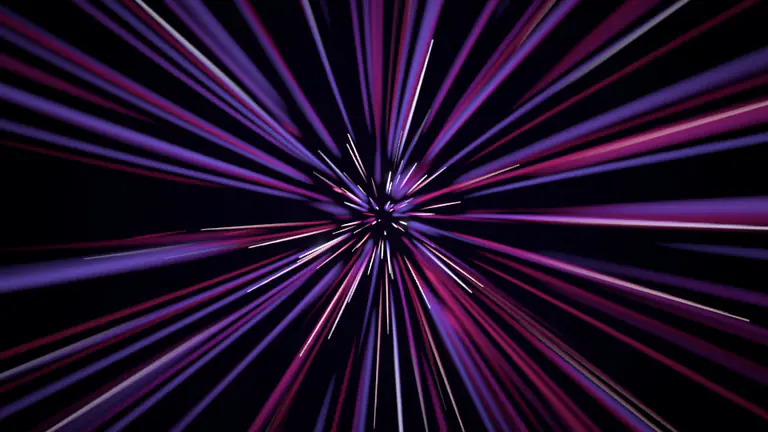
- NewFeedbackEndless Tunnel · 12 stylesLight trails that zoom, swirl and melt through your colours.Kicks punch the zoom · bass bends the warp · snares flash the echoTry Feedback on my track →
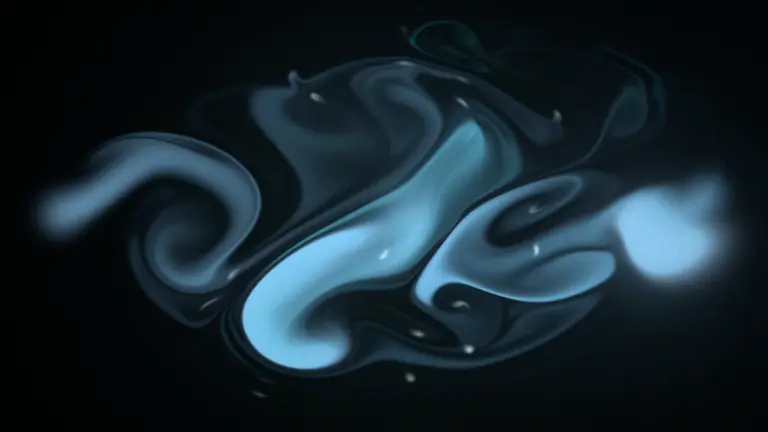
- NewFluidLiquid Light · 12 stylesInk, smoke and liquid light, stirred by the song.Kicks drop splats of ink · bass pushes slow currents · snares spray streaksTry Fluid on my track →
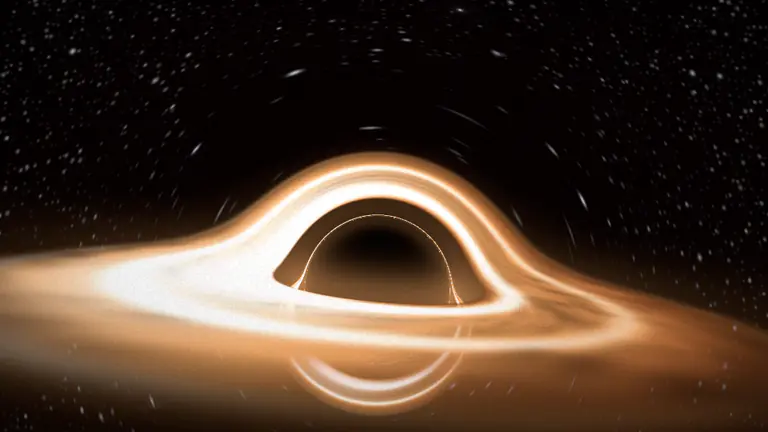
- NewCosmicEvent Horizon · 8 stylesA galaxy, a black hole, a nebula and a ringed planet; the sections fly between them.Bass spins the galaxy and the disk · kicks nudge you in · snares flare the starsTry Cosmic on my track →
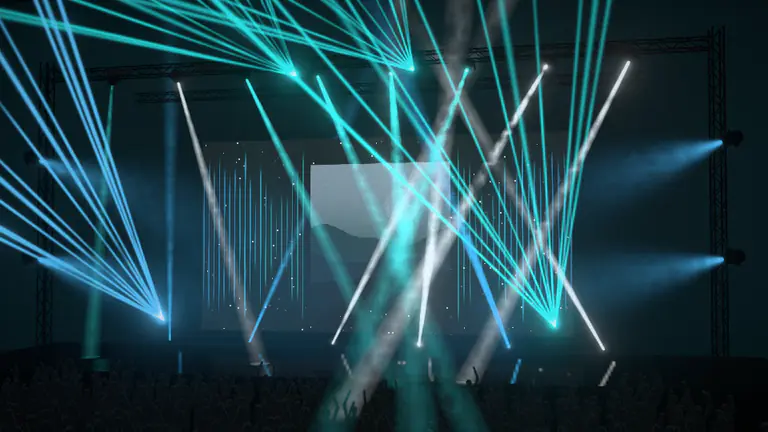
- NewStage11 stylesA concert stage in haze, seen from the crowd.Kicks fire the strobes · snares fire lightning · the voice brings up the follow spotTry Stage on my track →
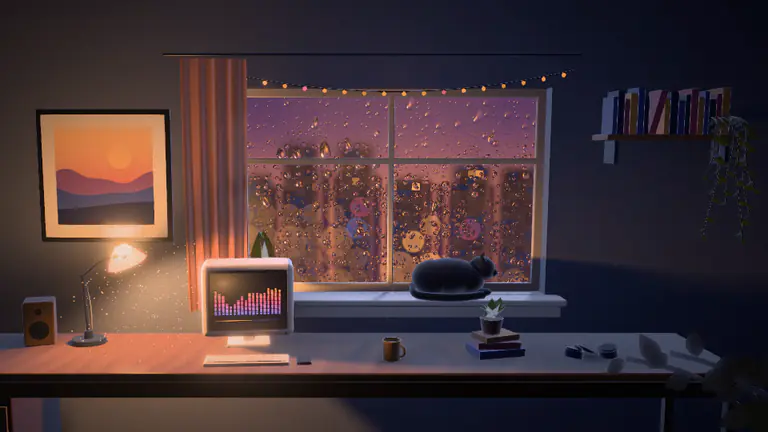
- NewLofi RoomNight Rain · 10 stylesA cosy room at night: rain on the window, the city in bokeh.Snares run drops down the glass · bass breathes the lamp · hi-hats light far windowsTry Lofi Room on my track →
- Scope LinesBlaze · 12 stylesOscilloscope traces of your waveform, or one bold waveform over your photo.Bass raises the range · vocals light the horizonTry Scope Lines on my track →
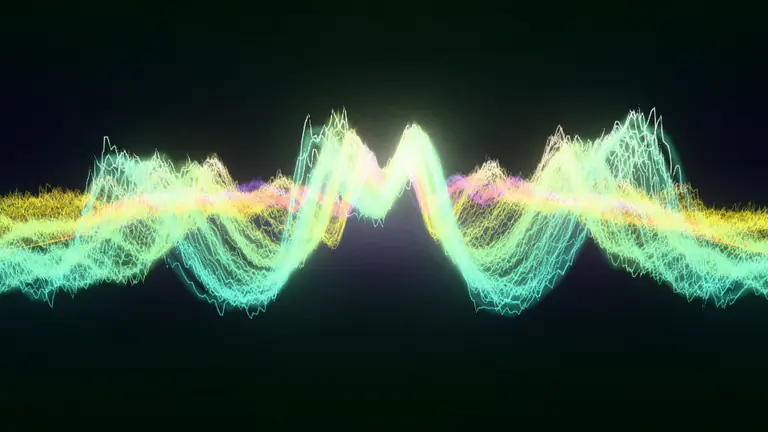
- 3D ObjectLiquid Chrome · 12 stylesLiquid chrome, glass, a disco ball or your logo, in a studio of light.Kicks punch it · bass swells it · the drop turns it to spikesTry 3D Object on my track →

- SwarmPlexus Field · 12 stylesUp to 65,536 glowing particles.Kicks shock the cloud · bass pulls it in · vocals pulse the linksTry Swarm on my track →

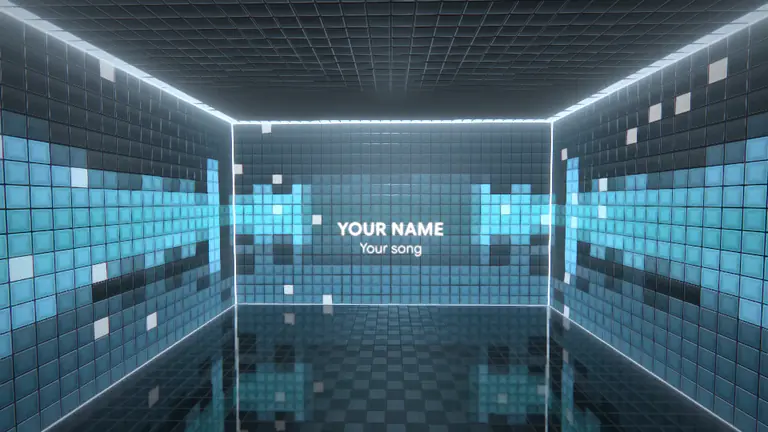
- RoomCover Gallery · 8 stylesA 3D room whose glass walls are the equaliser, your cover on the end wall.Kicks walk you toward the cover · bass lights the mirror floor · snares flash the edgesTry Room on my track →
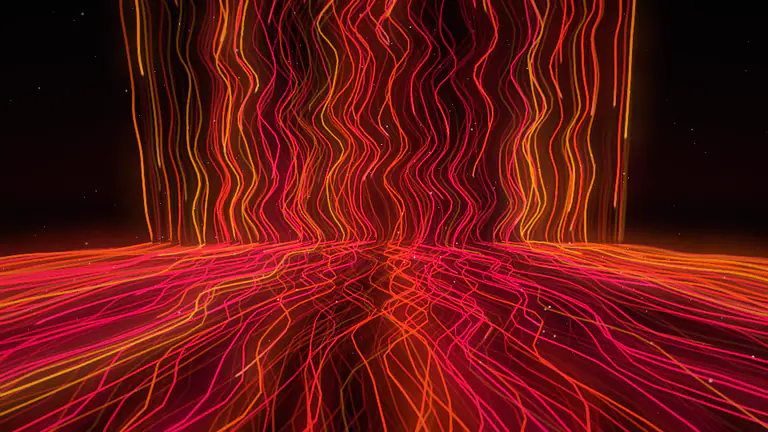
- Light RainEmber Roots · 9 stylesStreams of light fall and bend across the floor.Kicks surge the streams · hi-hats throw sparksTry Light Rain on my track →


Make it yours in three tabs.
Look, Music and Branding. Simple on top, and every setting is one click deeper.

- Template and style
- Pick a template, then one of its styles. Surprise me picks for you.
- Colours
- Taken from your cover art, or one of 8 palettes, or your own three.
- Feel
- Glow, Motion, Detail and Framing, one slider each.
- Effects
- 32 screen effects, or one of 10 ready-made stacks.
From finished track to release videos.
- 01
Drop in your track
MP3 · WAV · FLAC · M4A and more
It starts playing in the studio within seconds. You make a free account while it uploads.
- 02
Pick a look
The split takes a few minutes, once
While you browse, it separates the drums, bass, vocals and the rest, and finds the beats, bars and sections.
- 03
Export
Renders in your browser
Choose YouTube, Spotify Canvas or Reels. It renders frame by frame in your tab, with the time left on screen.
- No AI footage
- Models only listen: they split the instruments and find the beats. A 3D engine draws every frame from those events.
- Private
- Your track belongs to your account; nobody else can open it. On the free plan it is deleted 30 days after you last open it, and you can delete it any time.
- The export is the preview
- The same engine draws both, frame by frame, so what you watched is what you download.
What it takes to get a video, elsewhere.
Template tools move to the volume or to three frequency bands. AI video tools bill credits by the minute for generated footage. A motion designer takes days and a fee per format.
Moves to
Loopwalk
Each instrument, and the song's sections
- Template visualizersThe mix, or bass / mid / treble bands
- AI music videoThe beat and your prompts; stems on some
- A motion designerWhatever they animate by hand
Looks
Loopwalk
Your cover and colours, moved by your song
- Template visualizersTemplates everyone else uses
- AI music videoGenerated footage
- A motion designerTheir style, your brief
Formats
Loopwalk
YouTube, Canvas and Reels from one upload
- Template visualizersA video; a Canvas on some
- AI music videoA video, credits per minute
- A motion designerAn extra fee per format
Price
Loopwalk
$29 a month, unlimited · $1.95 for the first 7 days
- Template visualizers$10–$40 a month, often billed yearly
- AI music videoAbout $12–$35 in credits for a 3-minute song
- A motion designer$50–$500 a video
A failed render
Loopwalk
Render it again: no credits, no limit
- Template visualizersTime lost
- AI music videoCredits gone
- A motion designerAnother round of edits
| Compared on | Template visualizers | AI music video | A motion designer | Loopwalk |
|---|---|---|---|---|
| Moves to | The mix, or bass / mid / treble bands | The beat and your prompts; stems on some | Whatever they animate by hand | Each instrument, and the song's sections |
| Looks | Templates everyone else uses | Generated footage | Their style, your brief | Your cover and colours, moved by your song |
| Formats | A video; a Canvas on some | A video, credits per minute | An extra fee per format | YouTube, Canvas and Reels from one upload |
| Price | $10–$40 a month, often billed yearly | About $12–$35 in credits for a 3-minute song | $50–$500 a video | $29 a month, unlimited · $1.95 for the first 7 days |
| A failed render | Time lost | Credits gone | Another round of edits | Render it again: no credits, no limit |
Template visualizers and AI music-video tools: their own published prices and pricing calculators. Motion designer: typical rates for a YouTube visualizer. Prices as published or reported in September 2026.
Start free. Unlock everything for $1.95.
Preview every template on your own song for free, at full quality. Unlimited is $29 a month, and your first 7 days cost $1.95.
- Both plans: every template and setting
- Private uploads
- No credits
Free
$0
Every file comes with Unlimited
- Every look and setting, on your own track
- The full-quality preview, stems and all
- For viewing and personal use
- 3 new songs a day, kept 30 days after you last open them
Unlimited
$29$1.95first 7 days
Then $29 a month · cancel before day 7, pay nothing more
- Unlimited exports: video, the release pack, stills
- YouTube, Canvas and Reels in one go
- Up to 4K at 60 fps, no watermark
- Commercial use
- Fair use: 50 new tracks a month
Monthly price shown · No credits · Checkout opens soon: pick a paid plan to keep founder pricing for 12 months
Hear it, then see it.
Drop in your next single and watch it play in seconds. The preview is free.